How to Patch NGINX for nginx2root Without Dropping Traffic (2026)
A decade-old HTTP/2 bug lets attackers run code on NGINX servers. Here is how to check exposure, patch one node at a time and mitigate until packages land.

On this page 7 sections
To patch nginx2root, upgrade NGINX to 1.31.9 or 1.30.7, then restart the binary instead of only reloading it. Until you can upgrade, turn off HTTP/2 on exposed servers and confirm it with an openssl ALPN check. The flaw, CVE-2026-123007, affects every open-source release from 1.9.5 through 1.31.8 and needs no login.
The nginx2root flaw is a memory corruption bug in NGINX's HTTP/2 code that can let a remote attacker run code on the server. This guide is for backend engineers and SREs who run NGINX as a web server, reverse proxy or ingress. It covers how to check exposure, how to roll out the fix without dropping traffic, and what to do while packages catch up.
Backtrace covers the infrastructure that backend teams depend on, and NGINX sits in front of a lot of it. The steps below rely on NGINX's own advisories, The Hacker News reporting and Rapid7's technical analysis.
What Is nginx2root and Which NGINX Versions Are Exposed?
The flaw has sat in NGINX for a decade. NGINX's security advisories page lists CVE-2026-123007 as memory corruption in HTTP/2 flow control, rated major. It marks versions 1.9.5 through 1.31.8 as vulnerable and 1.31.9 and 1.30.7 as not vulnerable.
The Hacker News reported that the bug has existed since version 1.9.5, released on September 22, 2015. F5, the company behind NGINX, says attackers can run code where ASLR is off or can be bypassed. ASLR is address space layout randomization, a memory defense that makes exploit addresses harder to guess. Security firm Wiz said it bypassed ASLR in tests.
Code that runs this way gets the permissions of an NGINX worker process. It does not automatically get root. In tests by the research firm Xint, the worker reached root through a separate Linux kernel bug in SCTP code, even when NGINX ran inside a Docker container.
The same releases fix four more flaws. All five score 9.2 out of 10 on CVSS 4.0. Each one needs a particular setup, which is why a version check alone does not tell you what applies to you.
How Do You Check Whether HTTP/2 Is Enabled on Your Servers?

Dump the running configuration and look for HTTP/2 on every server block. Then confirm from outside with an ALPN handshake. HTTP/2 is on where a listen directive includes http2, or where http2 on is set. A server that answers with "ALPN protocol: h2" accepts HTTP/2.
Use these two commands on each host:
- Run
nginx -T | grep -nE 'http2|listen'to list every listener and every HTTP/2 setting in the merged config. - Run
openssl s_client -alpn h2 -connect HOST:443 </dev/null 2>/dev/null | grep ALPNfrom another machine to see what the server negotiates.
The Hacker News advises testing the NGINX origin itself when a CDN sits in front. An origin that accepts only HTTP/1.1 cannot be attacked through HTTP/2. The CDN's answer tells you nothing about the box behind it.
Also check the other conditions. HTTP/3 listeners, mail proxy use and variable-built proxy names each trigger a different flaw in the same release. Keep a spreadsheet of hosts, versions and which features each one uses. You will need it when you decide the patch order.
Which Servers Should You Patch First?
Patch internet-facing servers that terminate HTTP/2 themselves, then work inward. Real exploitation is demanding, but a public proof of concept exists. Do not let the demands become a reason to wait.
Rapid7's analysis says its attack needs about 128 GB of HTTP/2 traffic. The demo took two and a half minutes. On links slower than roughly 300 Mbit/s, the transfer outruns NGINX's default one-hour connection lifetime and fails. Proxied HTTP/2 connections are also less likely to carry the attacker's exact frames.
Those limits shape the order. Servers on fast links with direct client access come first. Servers behind a proxy that rewrites HTTP/2 come later. As of The Hacker News report on November 18, neither the vendor nor the Wiz and Rapid7 researchers had seen attacks in the wild, and CISA's Known Exploited Vulnerabilities catalog did not list the bug.
If your team is also buried in other fixes this month, our guide to triaging 1,411 fixes in one month offers a way to rank work by exposure instead of by score alone.
How Do You Patch NGINX Without Dropping Traffic?
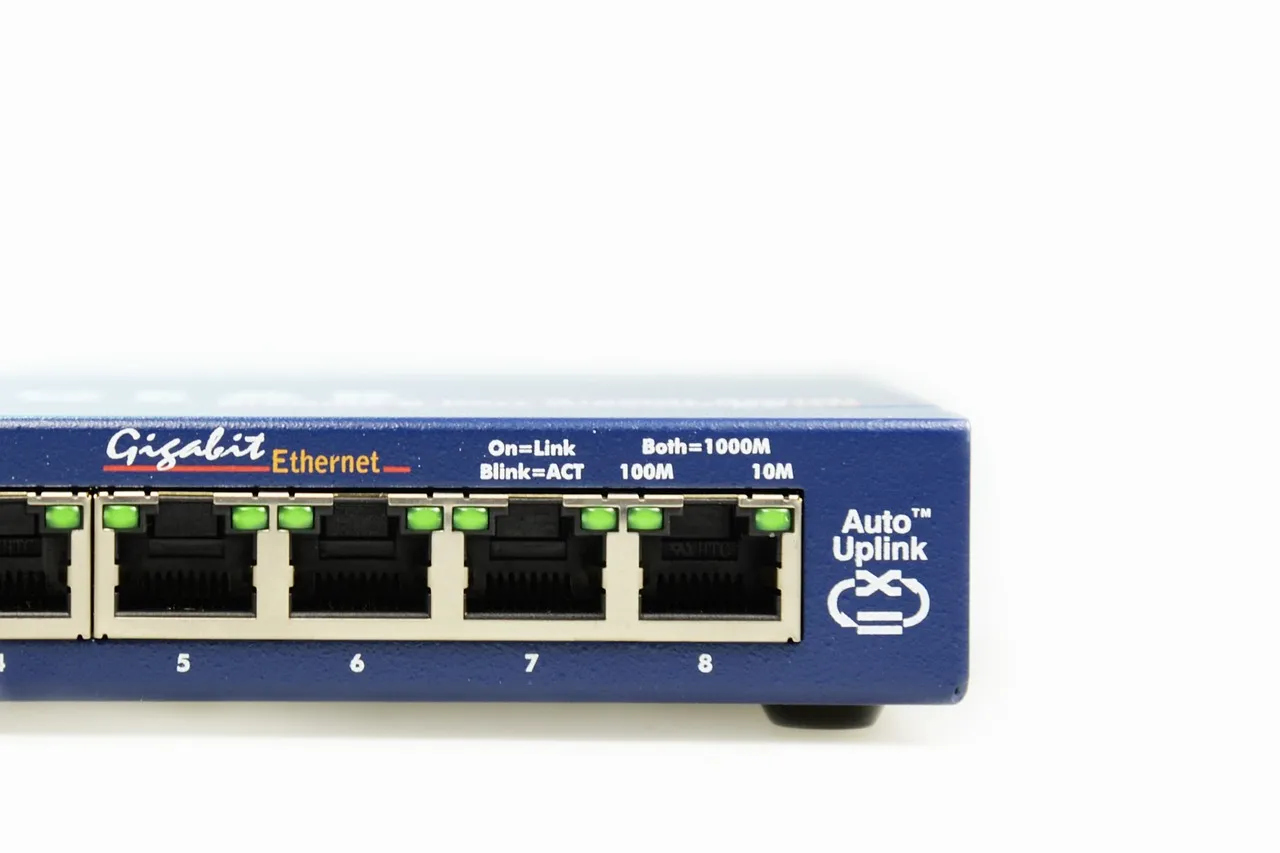
Upgrade one node at a time behind your load balancer, restart it fully, verify it, and only then move on. A reload is not enough. A reload leaves the old executable running, and existing connections can stay on old worker processes. Drain connections, restart, then put the node back.
Follow this sequence for each environment:
- Pick one canary node and remove it from the load balancer pool.
- Upgrade to 1.31.9 or 1.30.7, or pull the matching official Docker image tag.
- Run
nginx -tto validate the config, then restart NGINX or use its live binary upgrade. - Run
nginx -v, then call your health endpoint and a few real routes over HTTP/2. - Return the node to the pool and watch 5xx rate, active connections and upstream latency for ten minutes.
- Repeat for the next node, keeping at least half your capacity live at all times.
Treat containers as a separate pass. The official NGINX Docker images had 1.31.9 and 1.30.7 tags as of November 18, including Alpine variants. Patching the host does nothing for a container that ships its own NGINX. Rebuild each image from a fixed tag, redeploy it through your normal pipeline, and confirm the running version inside the pod or container.
Check package versions carefully. The Hacker News noted that Ubuntu and Debian had not shipped fixed packages as of November 18. It also warned that a distribution package can carry a fix without changing the version that nginx -v prints. Compare the full package version with your distribution's own advisory, and recheck it now, since that status may have changed.
A restart closes connections, so clients will retry. If your clients retry writes, make sure the endpoints are safe to call twice. Our walkthrough on making API retries safe with idempotency keys covers that design. Also make sure the smoke tests you rely on during rollout are stable. Our guide to finding and fixing flaky tests in CI helps if they are not.
What Can You Do If the Fixed Package Is Not Available Yet?
Turn off HTTP/2 on exposed servers and restart NGINX. This is a temporary mitigation, per the guidance from CIRCL, the Computer Incident Response Center Luxembourg, as relayed by The Hacker News. It blocks CVE-2026-123007 and CVE-2026-123633. It does not block the other three flaws.
On NGINX 1.25.1 and later, set http2 off; in each affected server block and remove http2 from its listen directives. On 1.9.5 through 1.25.0, change listen 443 ssl http2; to listen 443 ssl;. Then rerun the openssl check to confirm the server no longer negotiates h2.
Expect some side effects. Clients fall back to HTTP/1.1, so you may see more connections and slightly higher latency. Watch your worker_connections headroom after the change. Use this table to match each flaw to its workaround:
| Flaw | What it needs | Workaround |
|---|---|---|
| CVE-2026-123007 | HTTP/2 turned on | Turn off HTTP/2 |
| CVE-2026-123633 | HTTP/2, proxying, low worker_connections | Turn off HTTP/2 |
| CVE-2026-123634 | Proxied name built from variables, plus SSI or mirror | Avoid SSI, mirror and variable-built names |
| CVE-2026-121810 | HTTP/3 turned on | Turn off HTTP/3 |
| CVE-2026-113425 | NGINX as a mail proxy | Limit listeners to trusted networks |
NGINX Plus customers on R34 to R36 have no fix listed in the vendor's advisory, so the mitigation matters more there. Hosts that do not use SCTP can also block that kernel module with install sctp /bin/false in a file under /etc/modprobe.d/. That does not unload a module that is already running.
What Signs of an NGINX HTTP/2 Attack Should You Watch For?

Watch the worker processes, not just the access log. CIRCL suggests looking for NGINX workers that start unexpected programs, workers that exit abnormally or leave core dumps, and unusual outbound connections or DNS lookups. It also flags long-lived HTTP/2 connections with heavy incoming traffic but few logged requests.
A clean access log does not rule out an attack. HTTP/2 control frames do not normally appear there as requests. None of these signs is proof on its own, so treat a cluster of them as a reason to investigate.
Turn those signs into alerts. Alert on any child process of an NGINX worker. Alert on worker crash and restart counts. Graph bytes received per connection against requests per connection, and flag outliers. Add egress alerts for a web tier that suddenly makes new outbound connections.
What to Do Today
Inventory your NGINX hosts, patch the internet-facing HTTP/2 ones first, and restart them fully. Where a fixed package does not exist yet, turn off HTTP/2 and test again. Backtrace's editors checked the version numbers in this guide against NGINX's own advisory page, but your distribution may label fixed builds differently.
Finish with detection. Keep the worker-process alerts running after the patch, because a patch does not tell you whether someone got in earlier. Then record the rollout steps that worked, so the next critical NGINX fix takes an afternoon instead of a week.