TypeScript 7.1 Beta: How to Test the New API and Type Changes (2026)
The 7.1 beta fixes the missing compiler API from 7.0 and tightens conditional types. Here is a short plan for testing both before the release candidate.

On this page 6 sections
The TypeScript 7.1 beta adds a modular compiler API, ES2026 library types, import attributes in ambient modules, and stricter checks for distributive conditional types. To test it safely, install it on a throwaway branch, run it beside your current compiler in CI, and fix any new type errors before the release candidate lands.
Backtrace covers developer tooling for engineers who ship, and a compiler beta is exactly where small surprises hide. This guide is for teams already on TypeScript 7.0 who want a clear test plan for the TypeScript 7.1 beta instead of a feature tour.
We cover what changed, how to install the beta without touching production, how to check your tooling against the new API, which type change is most likely to break your code, and what the speed numbers mean for your CI bill.
What Changed in the TypeScript 7.1 Beta?

Daniel Rosenwasser of the TypeScript team announced the TypeScript 7.1 beta on October 20, 2026. The release has four headline items and one set of speed gains.
First, ambient module declarations can now carry import attributes. You can write a declaration that applies only to imports using with { type: "css" }. TypeScript then reports an error when someone forgets the attribute, and the imported value gets the right type.
Second, the compiler accepts source phase imports through the import source syntax. This mainly matters for WebAssembly modules today. JavaScript source imports are still early, and many tools do not support them yet.
Third, es2026 is now a stable --target and --lib value. The library types include Array.fromAsync(), Error.isError(), Math.sumPrecise(), and the getOrInsert() methods on Map and WeakMap. Types do not add runtime support, so confirm that your Node.js version ships each method before you call it.
Fourth, the new compiler API. It is the piece that tool authors waited on since 7.0, and it gets its own section below.
How Do You Install the TypeScript 7.1 Beta Without Breaking CI?
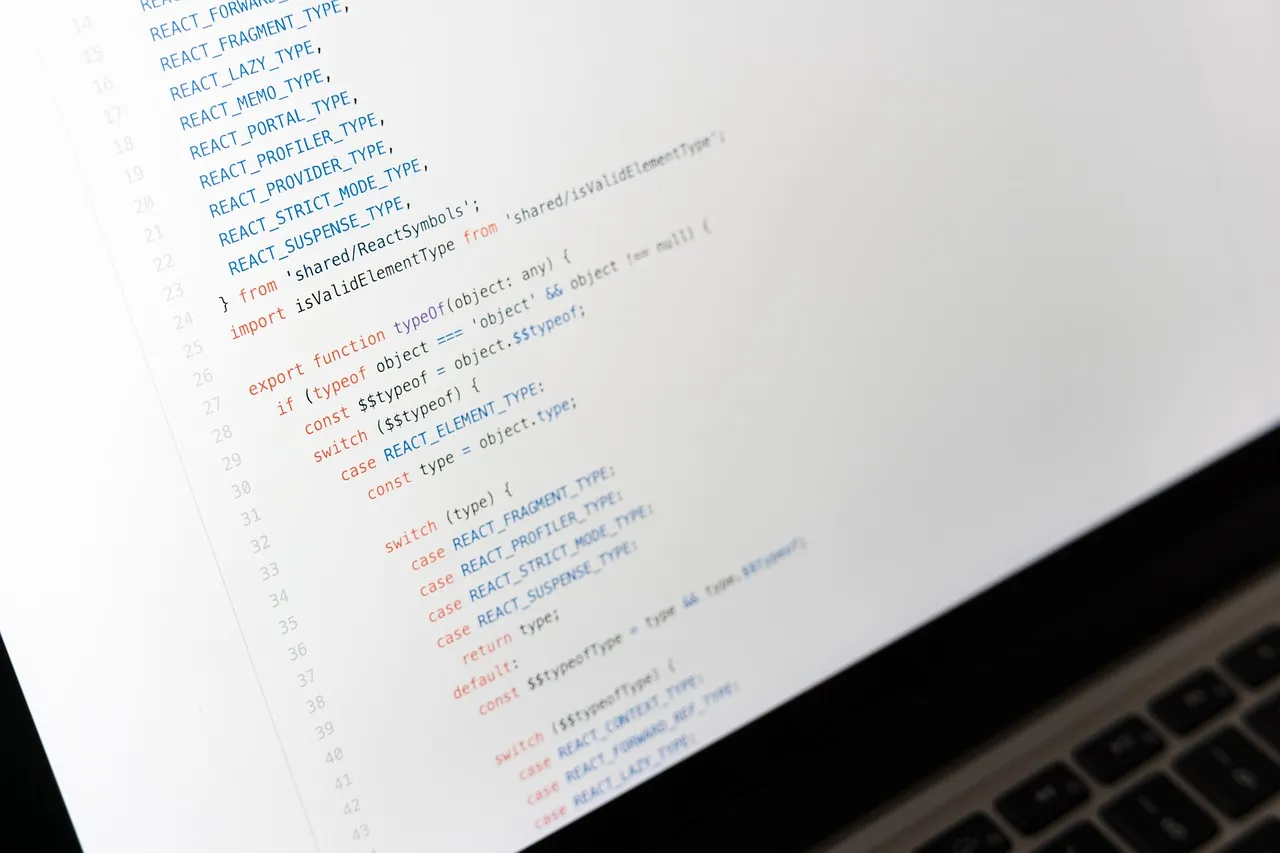
Install the beta on a branch, never on your main dependency line. The team's install command is npm install -D typescript@beta, and npx tsc -v confirms which version you got.
Start from a clean baseline. Run your current compiler first and save the full error output, even if it is empty. A saved baseline lets you tell new errors from old ones in seconds.
Next, add a second CI job that runs the beta in --noEmit mode. Keep it non-blocking at first. A separate job costs a few minutes and keeps your release pipeline stable while you collect results.
If you skipped version 7.0 or still carry old options, fix that first. The TypeScript 7.0 breakdown from Sevalla lists the removed options and new defaults, including the types default of an empty array. Those 7.0 changes are the most common reason a 7.1 test fails for the wrong reason.
The same discipline applies to any runtime or language bump. Our guide to moving off Node.js 22 to Node 26 LTS uses the same pattern of a baseline, a branch, and a side-by-side run.
When the beta job fails, ask one question first: did this error exist in the baseline? If it did, the cause is old and not the new release. If it did not, group the errors by file and look for a shared pattern. One root cause often explains dozens of lines of output.
How Do You Test the New TypeScript Compiler API in Your Tooling?

Test the API by checking which of your tools import the typescript package directly. Linters, codegen scripts, schema generators, and custom build steps are the usual suspects. Each one needs its own answer to a simple question: does it support 7.1 yet?
The new API is not the old one with a new version number. It splits into focused entry points, and the table below lists the ones the team documented.
| Entry point | What it does |
|---|---|
| typescript/sync | Synchronous compiler client with program and type-checker APIs |
| typescript/async | Promise-based version of the sync client |
| typescript/fs | Request-scoped full and layered file systems |
| typescript/ast | Syntax tree node types and enums such as SyntaxKind |
| typescript/ast/is | Node type guards |
| typescript/ast/factory | Functions that create and update nodes |
One detail trips people up. The API and Program objects hold memory on the Go side of the compiler. The garbage collector does not free it for you. You must dispose of each object yourself, or declare it with the using keyword so it is released when it leaves scope.
The team's own example compiles explicit file names with options passed on the command line. It does not discover a tsconfig.json file and does not support --project. If your script relied on config discovery, plan to load and parse that config yourself.
The API also introduces snapshots. A snapshot is a version of every project and program at one point in time. You can derive a new snapshot from an old one after a file change, which avoids rebuilding everything on each edit. Editor tools and watch scripts gain the most from this.
Use this checklist when you audit a tool that touches the compiler:
- List every package in your lockfile that imports
typescript. - Check each project's release notes or issue tracker for 7.1 support.
- Run the tool against the beta in your branch and compare its output to the baseline.
- Keep unsupported tools on the older compiler until they ship an update.
Treat the API as new code. Review any plugin or content mapper before you load it, just as you would review a new build dependency.
Which TypeScript 7.1 Behavioral Change Is Most Likely to Break Your Types?
The biggest risk is stricter checking of distributive type parameters. A conditional type distributes over a union when you pass a union in place of the type variable. Inside each branch, the type variable now stands for a narrower piece of the original union, not the whole thing.
Older versions treated both as the same type. Version 7.1 does not. A constraint that held before can now fail with an error saying the type is only assignable to the non-distributed parameter. The official release notes show a small example built around a Show type with two constrained parameters.
Who is most exposed? Library authors and teams with heavy utility types. Application code that mostly uses plain interfaces will likely never see it. If you do hit it, the team suggests two fixes: remove a constraint that was never needed, or add a conditional check that proves the relationship.
The release notes also flag DOM type updates in lib.d.ts. These can change how existing browser code type-checks. Search your error output for DOM names first, because those errors often come from the library, not your logic.
A good triage order keeps the work small. Group new errors by cause, fix the DOM ones in one commit, then handle each distributive error on its own. That way a revert touches only one change.
What Do the TypeScript 7.1 Beta Speed and Memory Numbers Mean for You?
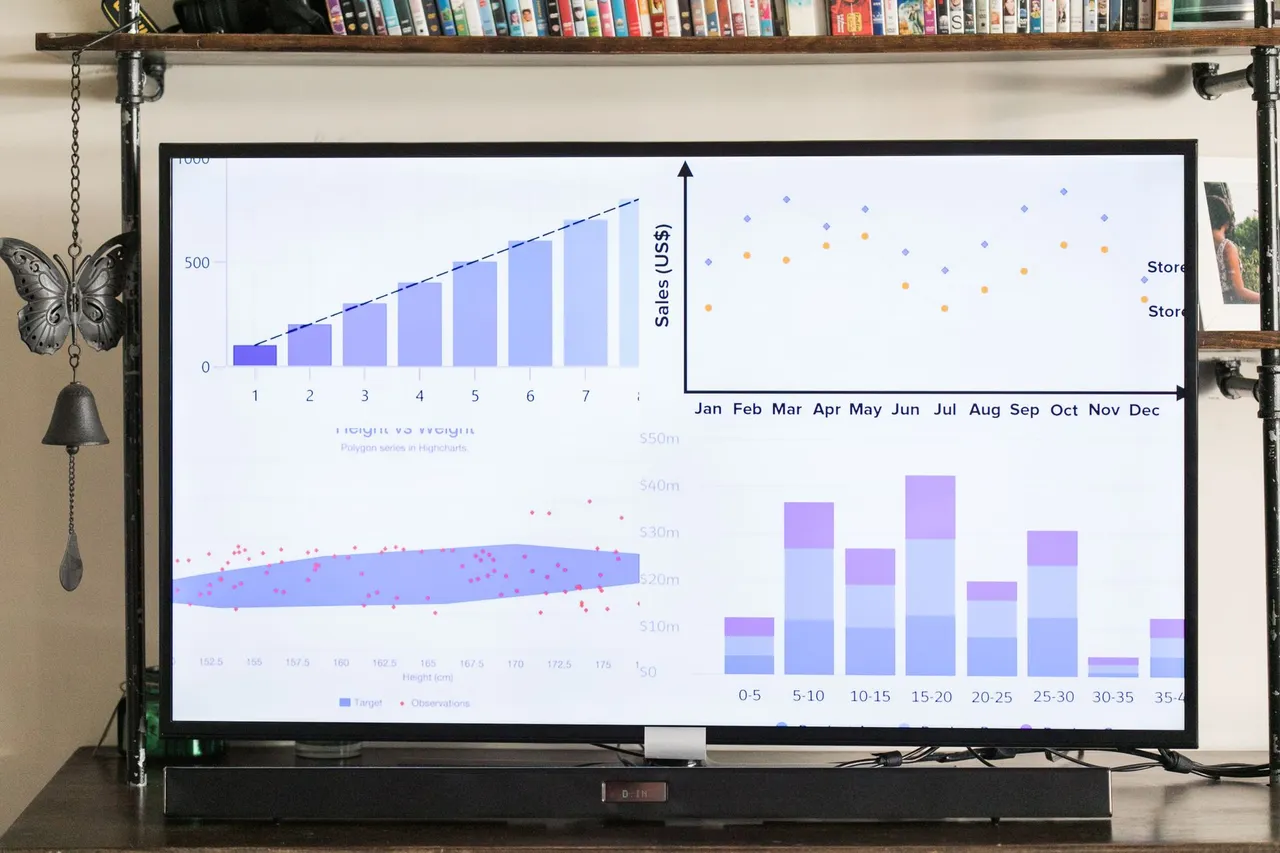
The beta is faster than 7.0 on every codebase Microsoft measured, and memory use fell on all of them. The team ran these tests with the default four type-checker threads and --noEmit.
| Codebase | TypeScript 7.0 | 7.1 beta | Time cut |
|---|---|---|---|
| bluesky | 4.48s | 3.89s | 13.2% |
| mui-docs | 22.2s | 11.9s | 46.6% |
| sentry | 19.6s | 15.1s | 22.8% |
| t3code-server | 26.5s | 19.1s | 28.2% |
| vscode | 21.6s | 17.7s | 17.7% |
Memory improved by a similar margin. The mui-docs project dropped from 8,093 MiB to 4,079 MiB, a cut of 49.6%. Sentry fell from 6,587 MiB to 5,216 MiB. These figures come from the TypeScript team's own benchmark, so treat them as a ceiling, not a promise.
The memory number matters more than it looks. A smaller footprint lets you run more checkers on a small CI runner or avoid an out-of-memory kill on a large monorepo. Measure your own repo with the same flags before and after, and record both wall time and peak memory.
Speed is not the only thing worth rehearsing on a branch. The same approach works for database changes, and our walkthrough of migrating off PostgreSQL 14 with pg_upgrade follows a similar test-on-a-copy routine. Our Rust 1.100 upgrade plan does the same for a language release.
Conclusion: Test Now, Ship After the Release Candidate
The TypeScript 7.1 beta is worth a branch today. The API fixes the biggest gap left by 7.0, and the memory savings are real. The distributive type change is the one surprise to rehearse before it reaches your main branch.
The team said a release candidate would follow about a month after the beta, with a final release shortly after. Check the official TypeScript blog for the current status before you plan a rollout.
Backtrace's editors work from the primary release notes and look at what a release removes or tightens before what it adds. For this beta, that means three steps: baseline your errors, audit the tools that import the compiler, and keep the beta job non-blocking until the release candidate is out.